

What staff do in the app
- Book leave in days, half days or hours. Half days and hours depend on the leave type and on whether your organisation allows hourly booking. Before they send it, the app shows what the request will use and what will be left.
- Check their balance on the Home screen, for this leave year or the next one. Their upcoming leave is listed underneath, with its status.
- Track and cancel requests. My requests lists everything they have booked. A request that has not started yet can be cancelled from the phone.
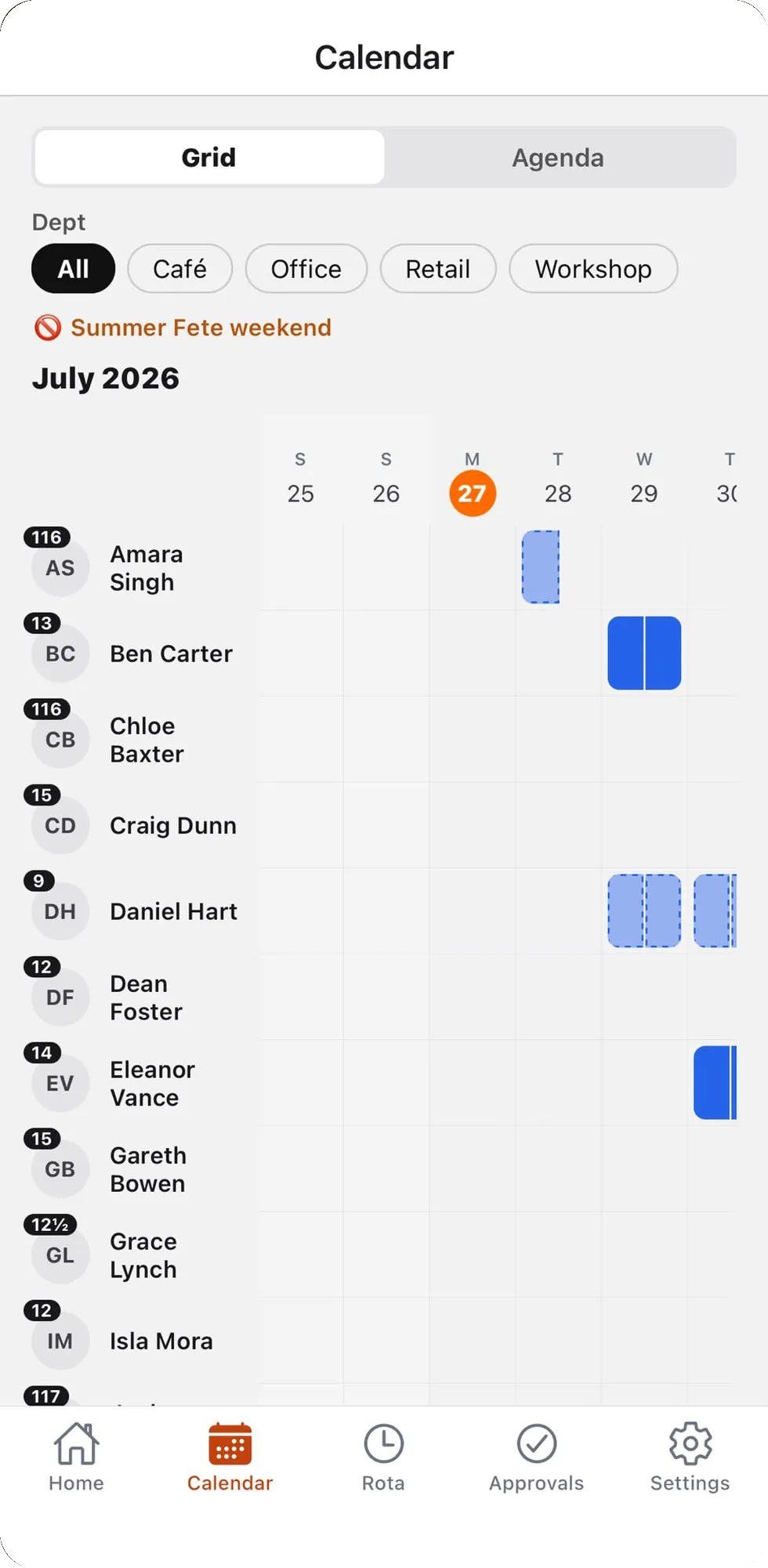
- See who is off on the Calendar tab, as a grid or a day-by-day list. What staff can see of other people’s leave follows the setting your admin chooses. How the who’s-off chart works.
- Request TOIL for extra hours worked and see their TOIL history, if your organisation uses time off in lieu. How TOIL works.
- Clock in and out from the Home screen, if your organisation uses the time clock. How clocking in works.
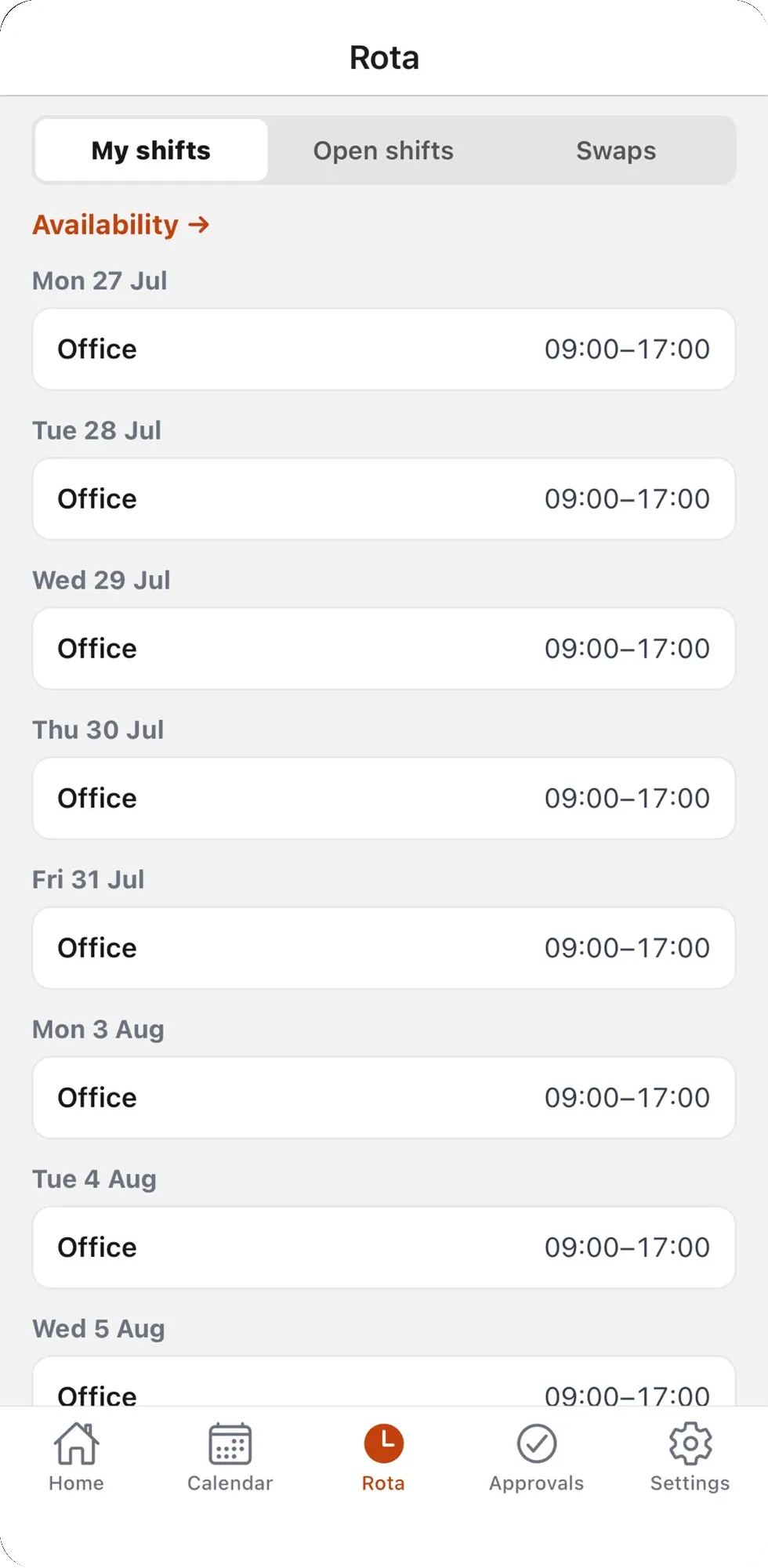
- See their shifts, pick up open shifts, ask to swap and set their availability, if you use the rota.
What managers do in the app
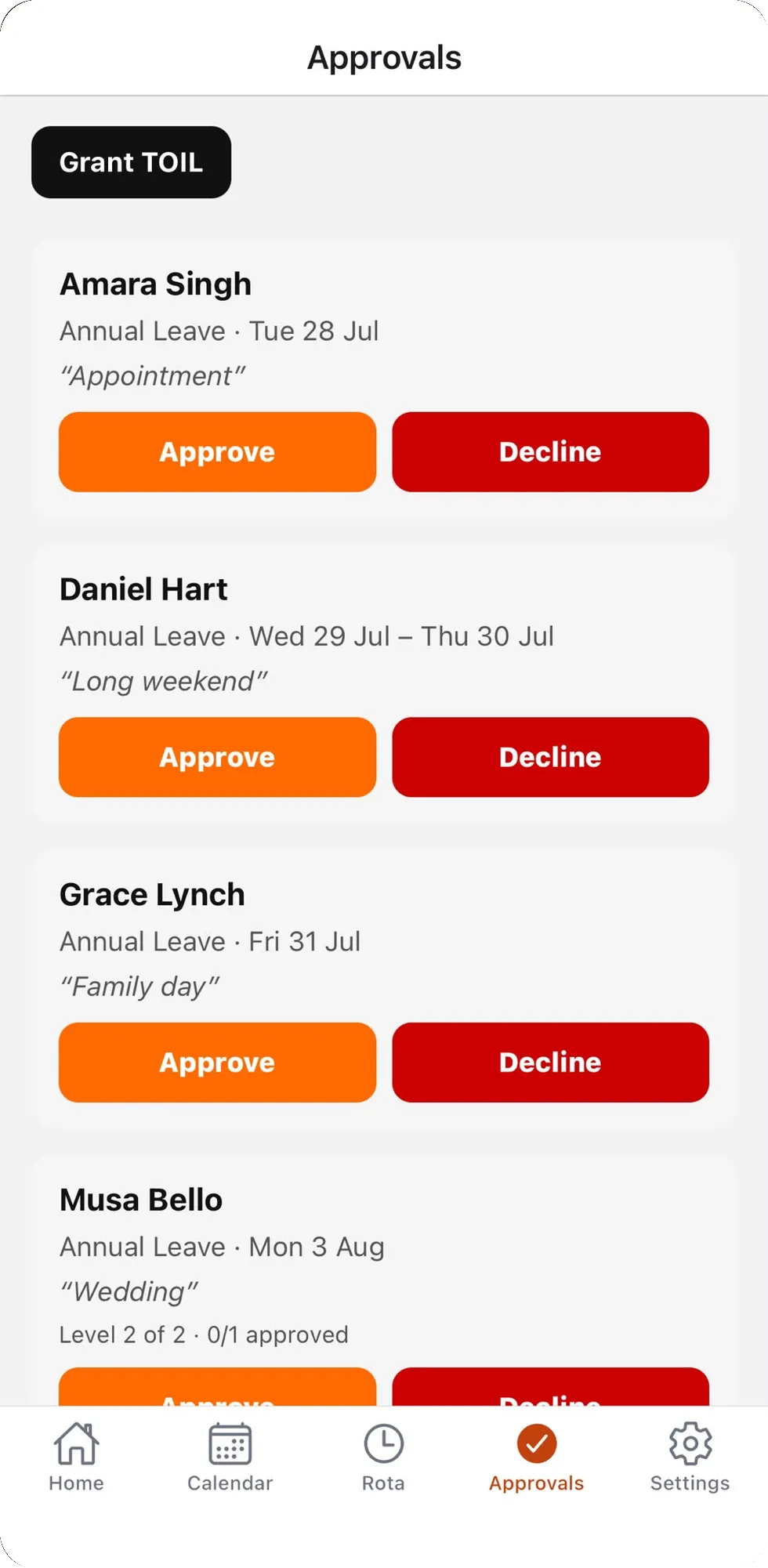
- Approve or decline leave, TOIL requests, open-shift claims and shift swaps on the Approvals tab. A decline can carry a reason.
- See cover before approving. If a request would take a department over its limit of people off, or below the minimum for a skill such as first aid, the app warns the approver first. A manager can still approve it by giving a reason, which is kept on the booking. Coverage rules and limits.
- Book leave for someone else, for example when a request comes in by phone. Tap an empty day on that person’s row in the Calendar, or pick them on the booking form.
- See the team. Tap a name on the Calendar to see that person month by month. If you use the time clock, the Team tab shows who is in, out or off today.
- Grant TOIL straight from the Approvals tab, if you use TOIL.
Push notifications
Most notifications that go out by email also arrive as a push notification on the phone. Staff hear when a request is approved or declined, cancelled or changed. Managers hear when a request needs them. Tapping a notification opens the right screen. Each person chooses which ones they get in the app’s Settings. Notifications and digests.
iPhone, Android and the web
The app is on the App Store for iPhone and iPad, and on Google Play for Android. The same account works in the web app, in any browser, so nobody is left out because of their phone. Admins set the company up on the web: leave types, allowances, approval rules and reports all live there. If you use the time clock, a shared tablet can also be set up as a clock-in kiosk.
UK bank holidays and allowances
Bank holidays for England and Wales, Scotland and Northern Ireland are built in. You choose whether they come out of allowances, and a bank holiday only comes off for someone who would have been working that day. Allowances can be in days or hours, and part-time staff and new starters are pro-rated. Bank holidays and closures.
Free for teams of 10 or fewer
Rotaleave is free for teams of 10 or fewer, with every feature and no time limit. Bigger teams pay £5 a month plus £1 for each person over 10, plus VAT where it applies. Every new account starts with 30 days of full access and no card. See pricing.
Getting started
- Sign up on the web and set up your company: leave types, allowances and who approves what.
- Invite your staff by email, or import them from a CSV file.
- Staff accept the invite, set a password, then download the app and sign in.
Coming from a spreadsheet or another system? Admins can import people and leave history from Timetastic, Breathe HR and others. More on switching. For the full picture of leave on the web, see the staff holiday planner.
Prefer a spreadsheet for now?
That works for a very small team. Download the free Excel staff holiday planner or the annual leave tracker template, and move to the app when the spreadsheet starts to hurt.